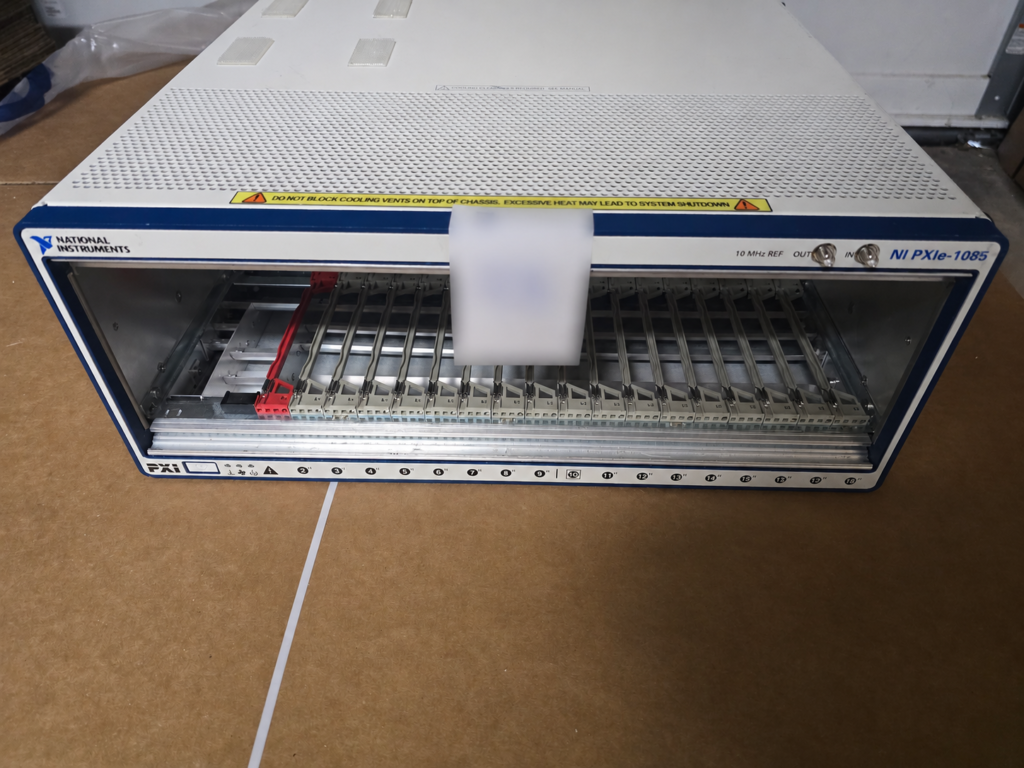
Computers and related equipment can include sensitive components, loose accessories and information stored on internal drives. Plan what stays with the device before arranging pickup and packing.
Prepare the device
Back up and handle data according to your organization’s policies before the device is collected. ProHuber does not provide data destruction. The owner or a qualified technician must shut down and disconnect the equipment from electrical power. Check with the manufacturer or a qualified technician before removing internal parts.
Identify accessories and sensitive parts
List cables, power adapters and other included components. Photograph the device and note loose panels, exposed connectors or existing damage. Tell the packing team about static-sensitive components and any manufacturer transport requirements.
Check eligibility and packing
Tell us if a device contains a battery or other potentially hazardous contents before scheduling; ProHuber does not accept batteries, chemicals or hazardous contents. Packing materials and support are reviewed for the actual device and the intended carrier handoff.
Plan the shipment
For an eligible parcel, obtain the carrier label after the final packed dimensions and weight are known. For freight, the customer arranges a carrier or discusses help identifying one. Check carrier restrictions and coverage separately. Protective packing reduces risk but cannot guarantee damage-free delivery.
Learn about equipment packing or request a quote with photos, quantity and pickup details.